

StocksDome is a charting and screening platform for active US stock traders, with market context, alerts and a trade journal in the same workspace. It connects the work of finding candidates, examining a setup, watching a condition and reviewing a trade, without making the trading decision for you.
Key points
- Move from a sector or theme to a screen, then send a result to a linked chart.
- Build conditions from price, volume, indicators and fundamentals, with results that update during the session.
- Review trades against your rules and the market conditions at entry, not just profit and loss.
- Backtesting, paper trading and time and sales are marked Soon, not available features.
- Expect twice-weekly blog posts on traders’ screeners, market news and StocksDome releases.
What is StocksDome designed to do?
A stock appearing in a screen is the beginning of a question, not the end of one. Is its sector participating? Is there an earnings announcement nearby? Does the chart offer a clear way to recognise when the setup has failed?
StocksDome puts the tools for investigating those questions alongside the tools for reviewing the outcome. Market context covers breadth, sectors, industries, themes and the calendar. Screening narrows the list. Charts and alerts help you examine and monitor it. The journal holds the trade and your review.
The capabilities described below are available as of November 14, 2026. Planned features are separated out later in this post.
How is StocksDome’s approach different from other trading platforms?
I would compare platforms by the work you need to do, rather than by the length of their feature lists. A useful test is to follow a candidate from the first screen through to the eventual trade review. Where do you have to rebuild a list, repeat a condition or look up the context again?
StocksDome’s approach is to connect those steps. A theme’s members can become the starting universe for a screen. A result can go to a linked chart or a watchlist. An alert can watch the stocks on that watchlist. In the journal, a trade can be linked to the alert that preceded it.
That is a description of the workflow, not a claim that those capabilities are exclusive to StocksDome. Workspaces can contain screens, charts, watchlists, breadth and calendars, with linked widgets following the same symbol. The point is to arrange the information around a task, rather than make every task start over.
How do you go from market context to a watchlist?
Start with the question the screen will try to answer. For example: which stocks in a particular theme are showing strength, and how broad is participation in that group?
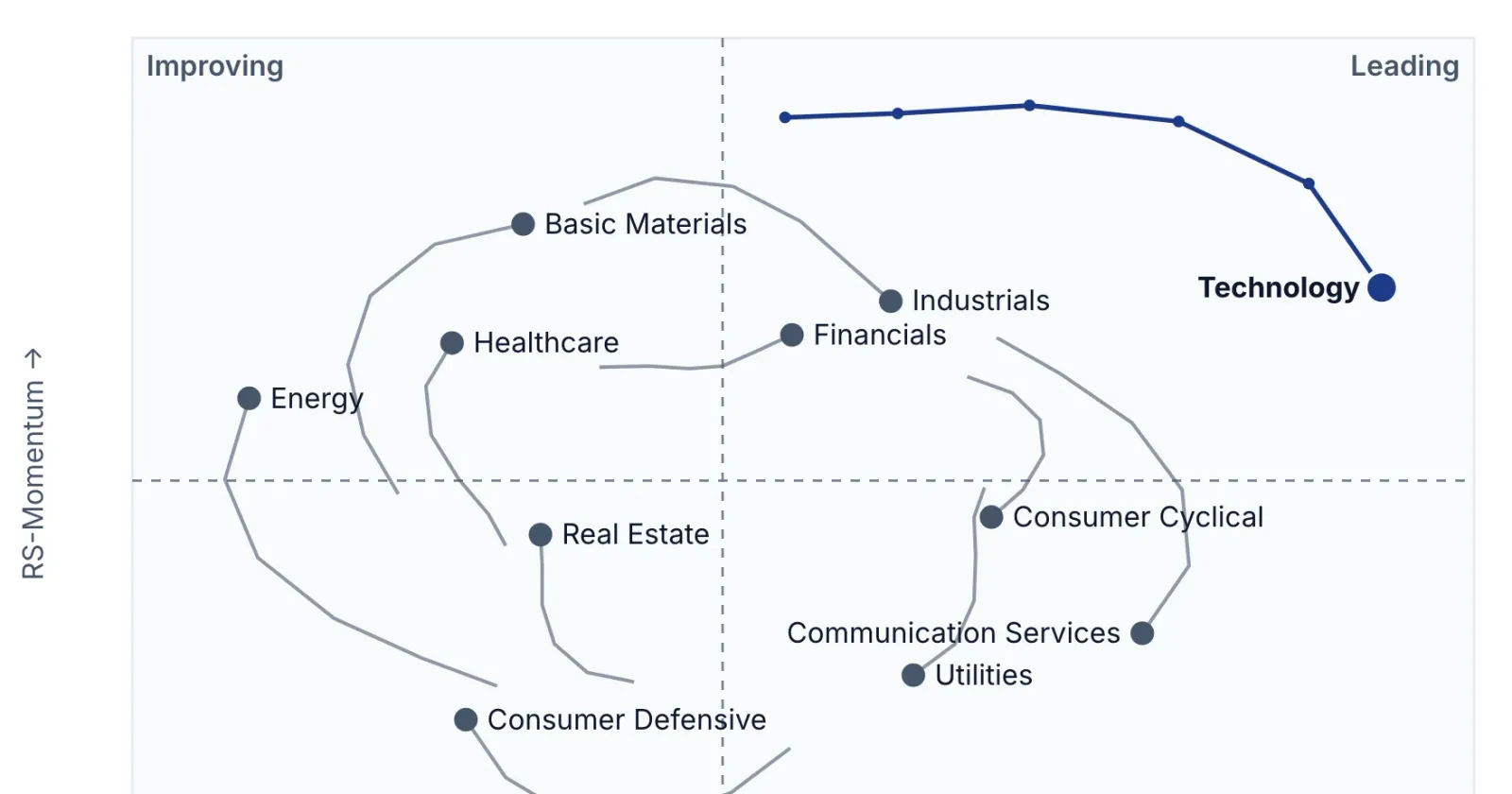
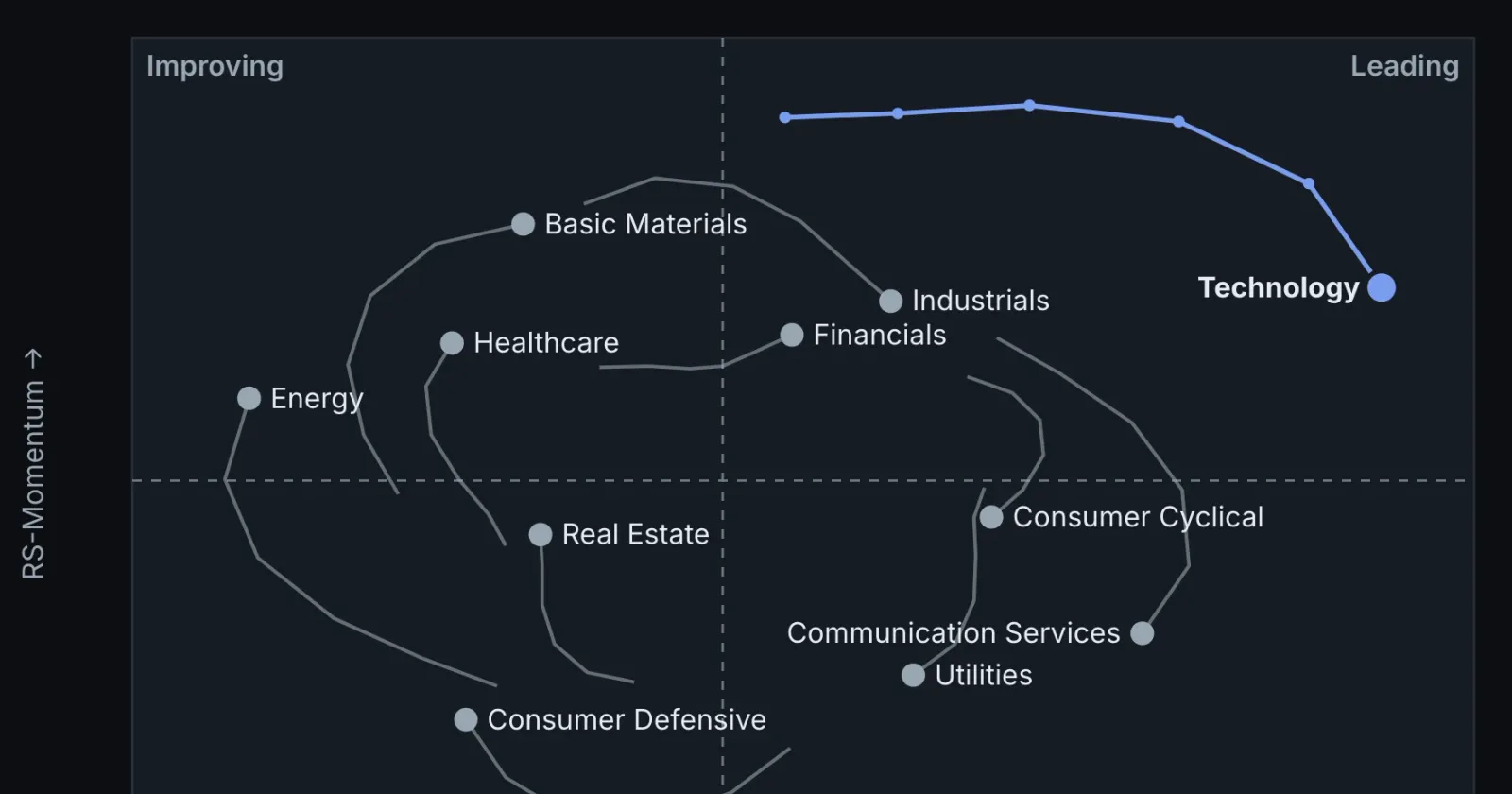
Breadth measures participation across stocks. StocksDome’s breadth views include advancing and declining stocks, volume, stocks above moving averages, and new highs and lows. Sector, industry and theme views show rankings and rotation. They give a stock’s move some context; they do not establish why that move happened.
The calendar adds another check. It includes earnings, dividends, splits and economic releases, and can be narrowed to a watchlist or saved screen. A candidate list and its upcoming events belong in the same review, even when the chart looks straightforward.
How do stock screening and charting work together?
The screener offers over 200 data points. Conditions can compare a measure with a number or another measure, and groups can require all or any of their conditions to hold. The builder reads the combined logic back as a sentence.
That distinction matters. Requiring strength and volume is not the same question as accepting strength or volume. Reading the condition back is a useful check before trusting the result list.
Screens can start from the market, saved screens, watchlists or themes. Figures update live, and screens can re-run every 5 to 60 seconds, adding and dropping matches. Results can appear as a table, heat maps or chart cards. Keeping rows in place while values update makes it possible to watch a list without its order constantly changing.
From a result, open a quick-look chart or send the symbol to a linked chart. Chart timeframes run from one minute to weekly, with indicators, drawing tools and session levels. The opening range, for example, marks the high and low over an initial interval of the session.
A screen narrows the search. The chart is where you can examine the price structure that a condition alone cannot explain. Neither establishes whether a trade suits your risk limits.
What can StocksDome alerts watch?
Alerts use the screener’s data points to watch for a price or indicator crossing above or below a level or another measure. Additional conditions can qualify the trigger, and an alert can cover a stock or every stock on a watchlist.
The crossing rule is important: an alert fires on a fresh cross, not simply because a value remains beyond the threshold. A condition being true and a new event occurring are different things.
Delivery options include webhooks, which send messages to a service you configure, and phone notifications through your own push notification account. Delivery results and failures appear in the alert history. An alert is a notification of a condition, not a reason on its own to enter a trade.
How does the trade journal support a review?
The journal shows fills—the executions that make up a trade—on its chart. It brings together profit and loss, costs, entry context and, for closed trades, the best and worst prices while the position was held and where price went after the exit.
You can record a planned stop and target, notes, tags and an execution rating. Playbook rules can be marked followed or broken and compared in reports. That separates two questions: what happened to the trade, and whether you followed the process you intended to follow.
There is a practical limit to check before relying on imports. Statement import and automatic broker sync currently support one broker for US stocks. Fills can also be entered by hand. This is not a claim of support for every brokerage account.
What is available now, and what is marked Soon?
The current product covers market context, screening, charting, alerts and the journal described above.
Backtesting, paper trading and time and sales are marked Soon. They are not available now, and this introduction does not promise a delivery date or a detailed scope for them.
Point-in-time screening and charts are also not available. Reviewing the context recorded for a trade is different from reconstructing the entire market as it was known at an earlier moment. The journal should not be read as a promise of that separate capability.
What will the StocksDome blog publish?
In the coming weeks, this blog will publish twice a week across three subjects:
- Well-known traders’ screeners. Publicly described rules, an honest StocksDome approximation, and the parts that still need judgment. Rebuilding a screen does not imply the trader uses or endorses StocksDome.
- Market news. Confirmed events, sourced numbers and the questions they raise about sectors, participation, volatility and upcoming catalysts.
- StocksDome releases. What has shipped, how to use it and where its limits matter.
I want each post to be useful even if you never use the product. A reader should be able to distinguish a documented fact, a screening approximation and an open trading question without having to disentangle them from a sales pitch.
FAQ
Is StocksDome only a stock screener?
No. It combines screening and charting with market context, alerts and a trade journal for active US stock traders.
Can I combine technical and fundamental conditions?
Yes. The screen builder includes both, with nested groups that require all or any conditions to hold. A matching stock still needs further examination.
Can I import trades from any broker?
No. Statement import and broker sync currently work with one broker for US stocks; fills can also be added manually. Check compatibility before depending on automatic imports.
Are backtesting and paper trading available?
Not yet. They are marked Soon, along with time and sales. Point-in-time screening and charts are also unavailable.
Sources
- Features · StocksDome, StocksDome, undated; accessed November 14, 2026.
- Screening · StocksDome, StocksDome, undated; accessed November 14, 2026.
- Trade journal · StocksDome, StocksDome, undated; accessed November 14, 2026.
This article is for information only and is not investment advice.